

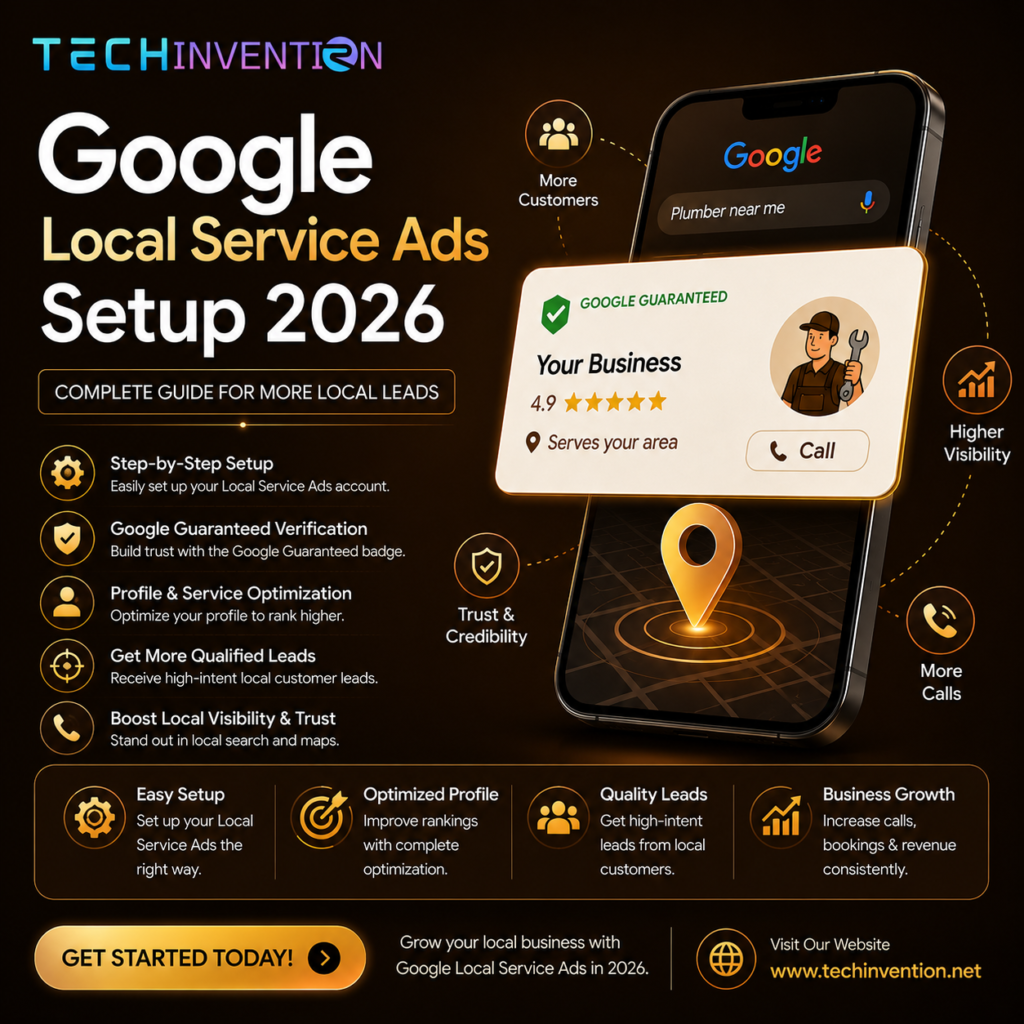
For service businesses such as plumbing, HVAC, locksmithing, cleaning, or legal, Google Local Service Ads (LSAs) offer one of the few ads tailored specifically towards them. They sit above regular search ads and organic listings – you only pay when a real customer contacts you!
Just a year ago, Google made significant changes to their setup process: They discontinued “Google Guaranteed” and “Google Screened” badges, increased verification requirements, and mandated that every fully linked Google Business Profile be fully linked to Local Service Ads setup in 2026. This guide covers what Local Service Ads setup looks like today, as well as costs involved and ways to avoid common pitfalls that hold back applications.
What Are Google Local Service Ads (LSAs)?
LSAs are lead-generation ads designed specifically for local service-based businesses that appear prominently at the top of Google Search results pages. Unlike standard Google Ads, LSAs don’t rely on keyword bidding or written ad copy; rather, they match your business profile with relevant local searches, and you pay per qualified lead (ie: call, message or booking request) rather than per click.
LSAs can be found for an array of services, ranging from home services (plumbers, electricians, HVAC technicians and locksmiths) to professional (lawyers and financial planners), personal services such as house cleaning and pet care, and tutoring – with availability varying depending on country and region – so it is worth visiting ads.google.com/local-services-ads periodically to confirm current eligibility as more categories may become available over time.
Why Local Service Ads Matter in 2026?
Achieving visibility on Google means competing for an ever-shrinking number of spots above the fold. LSAs occupy one such spot at the very top, preceding both paid search ads and the local map pack, which makes them essential real estate for businesses relying heavily on local, high-intent searches like “emergency plumber near me”.
Pay-per-lead advertising alters your risk profile compared to conventional pay-per-click. Instead of being charged for impressions or clicks that lead nowhere – only contacts who satisfy Google’s definition of valid leads – this approach reduces costs associated with leads while still meeting its definition as valid leads; lead costs vary based on trade and region; however, cost-per-lead isn’t the sole determinant in measuring return on investment.
What Changed: Google Verified Badge?
For years, businesses that passed Google’s screening would display one of three badges: Guaranteed by Google, Screened by Google or License Verified by Google. But on October 20, 2025, they all merged into one unified badge called “Google Verified”, so that every LSA advertiser who completes verification now shows this same blue checkmark regardless of industry.
Alongside this shift, Google also discontinued their consumer money-back guarantee of up to $2,000 under their Google Guaranteed program, effective November 7, 2025. All underlying verification work (background checks, license review, and insurance confirmation) remains mandatory before ads go live; only reimbursement guarantees and badge names have changed. If your website or creative still refers to “Google Guaranteed” or “Google Screened”, these should be revised accordingly to avoid misleading customers with outdated claims.
Local Service Ads vs. Standard Google Ads
| Factor | Google Local Service Ads | Standard Google Ads (Search) |
|---|---|---|
| Placement | Above search ads and map pack | Below LSAs, above organic results |
| Pricing model | Pay per valid lead | Pay per click |
| Setup complexity | Verification, licensing, background checks | Account and campaign setup, no licensing required |
| Ad format | Profile-based, no written copy | Written ad copy and keyword targeting |
| Trust signal | Google Verified badge | None built-in |
| Budget structure | Weekly | Daily or campaign-based |
| Best suited for | Local trades and service businesses | Broader range of industries |
How Google Local Service Ads Work
Google matches your Local Services profile to nearby search queries based on categories, service area and business hours.
Your ad appears above organic results and standard paid ads, featuring information such as business name, rating, review count and verification badge (once earned).
Customer call, message or book directly through your ad. Google only charges you for contacts they consider valid leads based on criteria such as call duration and message content; disputes or spam leads can generally be reported for credit.
Step One of Google Local Service Ads Setup Process
Step 1 of Setting up Local Service Ads
mes mes Step 1 – Confirm Eligibility. To see whether your trade and location currently qualify, visit ads.google.com/local-services-ads. Categories and country availability change often, so rechecking may reveal eligibility even if previously ineligible.
Step Two: Link an Official Google Business Profile.
Since November 2024, an LSA campaign requires an officially verified and matching GBP profile to run ads successfully. Your business name, address and phone number must match perfectly across both profiles or they won’t run at all.
Step 3: Complete Your Local Services Profile.
Add service categories, areas (by city, county, or state), business hours, and photos of your team, vehicles, and signage rather than stock imagery. Google suggests genuine photos as being more representative.
Step 4: Submit licensing documentation.
Requirements differ by state, province or country as well as trade type. Where possible, Google verifies license numbers against official government or licensing board databases to ensure compliance.
Step 5: Submit proof of insurance.
Most industries and trades require proof of general liability insurance with minimum coverage amounts that vary based on trade and region. Certain trades and jurisdictions may additionally need proof of workers’ compensation insurance documentation. It’s wise to update them with your account regularly as insurance documents have expiration dates; make sure these remain current.
Step 6: Conquer background checks.
Every business owner and employee listed on an account must pass a background check conducted through a Google-approved third-party screening provider. This typically takes several business days and requires valid government identification documents.
Step 7: Wait for approval and launch live operations.
Verification steps typically take several weeks. Once approved, your Google Verified badge activates, and ads can start showing up in relevant local searches.
Step 8: Create a weekly budget.
LSA budgets must be managed on a weekly basis rather than daily, so plan your spending cycle accordingly.
Set Up of Google Local Service Ads Is Free. Setting up Google Local Services ads doesn’t cost anything up front; payments only begin once your ads go live and generate leads that Google considers valid. However, you should account for time and paperwork involved with verification – licensing, insurance, and background checks tend to be bottlenecks in approval processes due to expired documents or mismatched business details being key factors here.
Google Local Service Ads Can Be Safe and Worth It for Small Businesses For businesses that rely on local, high-intent search traffic, LSAs can be an economical and safe solution, as you’re typically only paying for leads that convert successfully. “Worth it” depends heavily on trade, location, and competition – cost per lead differs by market, while leads must still be converted into paying work through fast follow-up and strong reviews. Small businesses with limited marketing resources may find managing verification tasks such as renewing insurance and licenses can become tedious, which is why many opt for outsourcing the process to an agency to manage it effectively.
Maintain a complete, accurate, and verified business profile at all times. Respond to leads as quickly as possible – response time can be used as a key ranking factor. Actively solicit and manage customer reviews since ratings and count directly impact visibility
Track which leads convert into paying jobs so you can assess true customer acquisition costs rather than simply the lead cost per lead. Reevaluate service area and category selection periodically as your business or Google’s offerings change, and update these accordingly.
An Example of How it Works
Imagine this: a local plumbing business links its Google Business Profile, submits its state license and certificate of general liability insurance, as well as conducting background checks for its owner and two employees. After review by Google, this company earns the Google Verified badge and appears above organic search results when someone searches “emergency plumber” within their service area. Leads come in as calls or messages – leads that Google counts as valid contacts can then be charged back directly.
Expert Recommendation
Establishing Google Local Service Ads correctly from the outset can save countless weeks of back-and-forth with Google’s verification team. Businesses who make licensing, insurance and profile accuracy an ongoing task tend to maintain stronger visibility over time.
Google Local Service Ads are pay-per-lead ads designed for local service businesses that appear above search ads and organic results, showcasing your rating, reviews, and verification badge.
How can I set up Google Local Service Ads in 2026?
Link your Google Business Profile, complete your Local Services profile, submit licensing and insurance documents, pass background checks, and wait for Google Verified approval before your ads go live.
How much are Google Local Service Ads likely to cost?
Cost per lead varies by industry, region, and competition – there’s no universal price so make sure to research current estimates in your specific category and area.
Who are eligible to use Google Local Service Ads?
Your eligibility depends on the service category and country in which it operates, so to check availability directly through the Google Local Services Ads platform as categories change over time.
What is a Google Verified badge?
Google Trusted badge is a new trust badge introduced as of October 2025 that shows businesses who pass background checks, license review, and insurance verification as trustworthy businesses.
Are Google Local Service Ads worth investing in for small businesses?
Assuring success can be tricky when your business relies on local high-intent search traffic; results depend on trade, market competition, and lead conversion into paying customers.
What industries can utilize
Conclusion: Can I utilize Google Local Service Ads?
Home, professional, and personal services qualify, although availability varies by country and is often updated over time
Google Local Service Ads have changed significantly since 2026; their core mechanics such as pay per lead, top-of-page placement, and mandatory verification remain similar, while the badge system has been replaced by just one Google Verified checkmark and the old money-back guarantee has gone away. Local businesses willing to fulfill licensing, insurance, and background-check requirements still have one of the easiest and directest ways of reaching high-intent local customers through LSAs.
Finding Time To Navigating Google Local Service Ads Navigating the complexities of registering, linking, and optimizing Google Local Service Ads campaigns takes time that many business owners don’t have.
Tech Invention offers local service businesses help setting up, verifying and optimizing their Local Service Ads campaigns with zero administrative burden – contact Tech Invention today for a consultation on getting Google Verified so your business will appear where local customers are searching!